
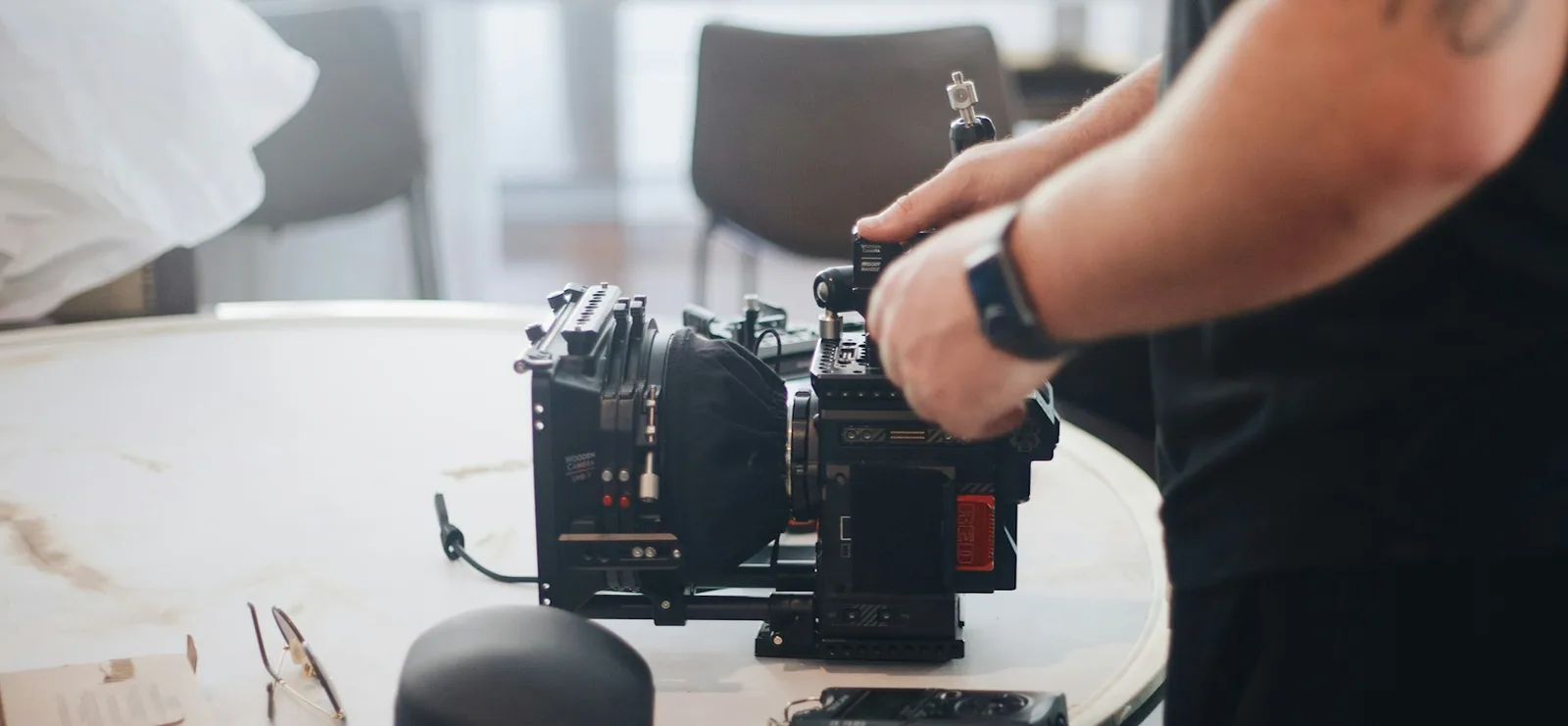
A finished video can feel effortless. Behind that ease are choices about where to put a light, how close to place a microphone and when to cut to another angle. Those small decisions add up to a picture and soundtrack that are easier to follow.
The following chapters break the process into practical parts: recording an image, capturing sound, planning coverage and finishing the edit. Professional equipment can help, but careful technique matters at every budget.
What quality means here: readable exposure, clear speech, stable framing and edits that make sense. These are technical qualities; they do not determine whether a story interests you.
Start with light, then choose the lens
A scene with bright windows and deep shadows can challenge any camera. If the recording clips highlights or loses shadow detail, those areas may be difficult to recover later.
Camera and lens choices affect sensitivity, dynamic range and control over focus. Larger or more capable systems offer useful options, but a well-lit scene and a thoughtful setup remain essential.
Lighting gives those tools something good to record. A key light defines the subject, fill manages the shadows and a background or edge light can create separation. The right arrangement depends on the mood and the space.
Clear sound starts in the room
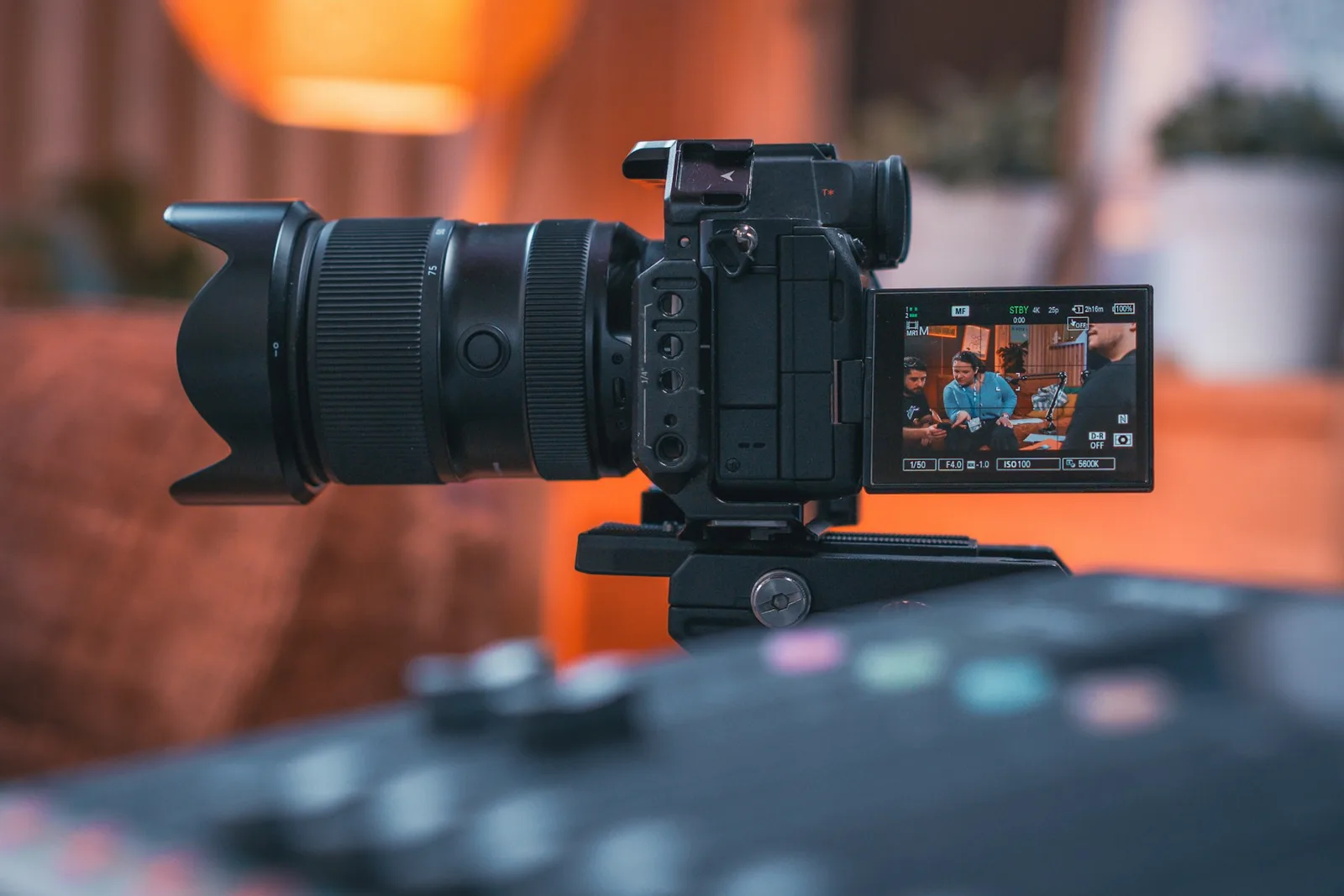
A distracting hum, echo or distorted voice can make a video difficult to follow even when the picture looks sharp. Listen to the location before recording, rather than assuming the edit will fix everything.
Move the microphone close enough to capture the voice clearly, reduce avoidable background noise and leave headroom for louder moments. Separate tracks give the editor more control over speech, music and other sounds.
A careful mix keeps dialogue understandable and volume changes manageable. Good sound should let the audience concentrate on the subject.
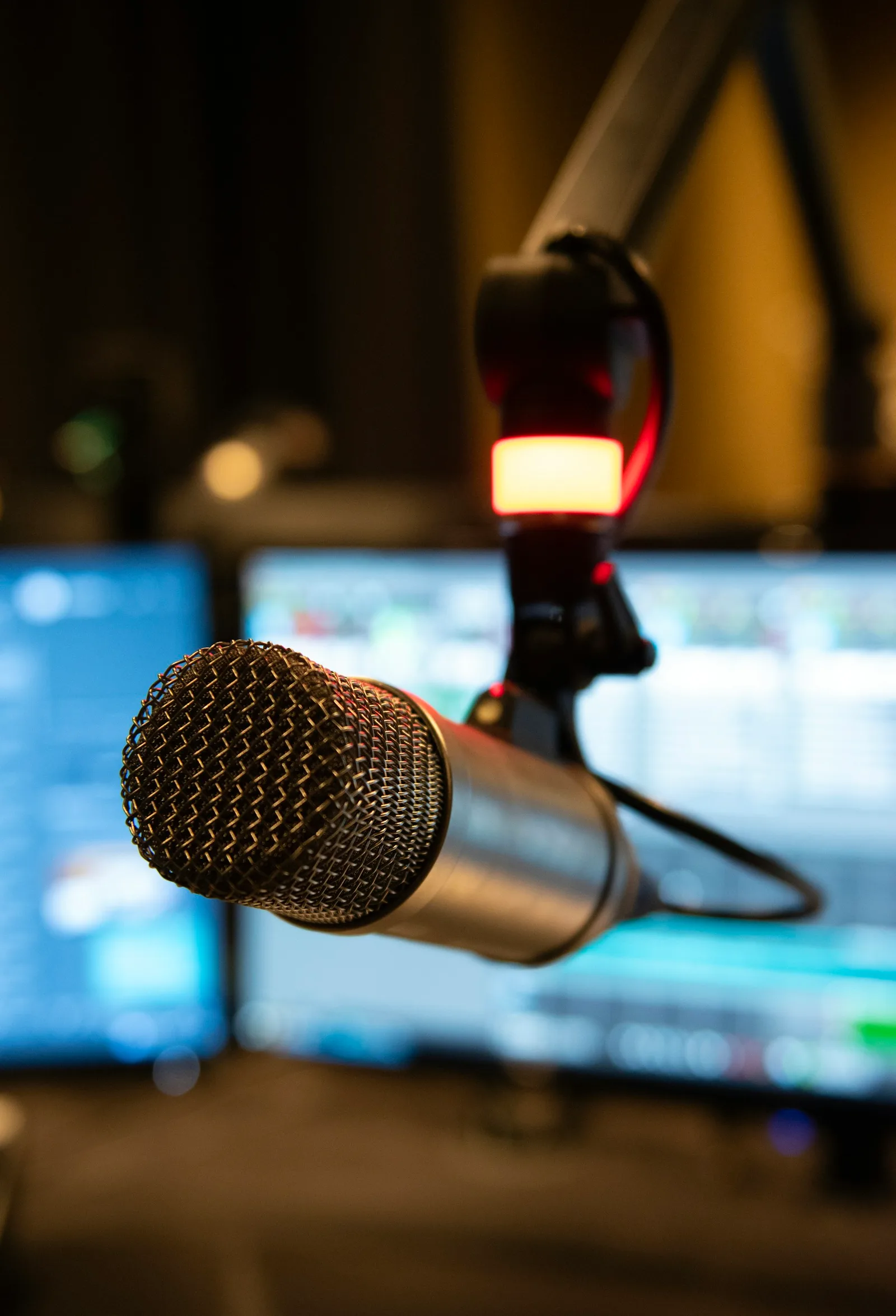
The most useful upgrade is often a better plan: control the light, listen to the room and capture the shots your edit will need.
Production notes, cloudpicklevoyage.com
Film with the edit in mind
A spontaneous recording can be effective, but longer pieces need a clear route through the subject. Changing framing or incomplete coverage can leave the editor with awkward gaps.
A shot list helps the crew capture the main action, alternate angles and useful details. Planning coverage before filming reduces the chance of discovering a missing shot after the location has been packed away.
In the edit, timing and continuity connect those shots. Matching movement, screen direction and eyelines helps the sequence feel coherent, while pauses give viewers time to absorb what they have seen.
Finish the picture and the sound together
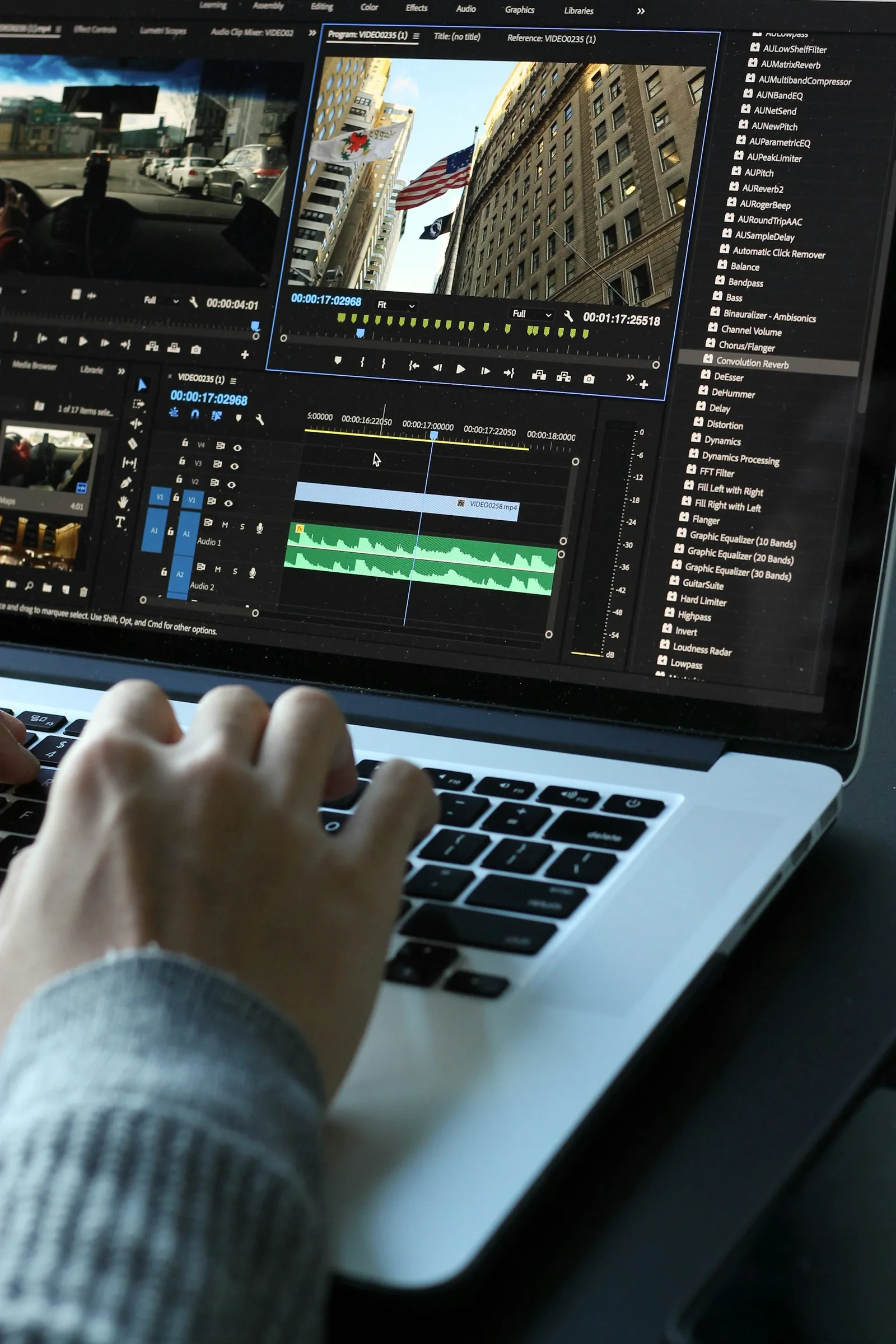
Color correction brings exposure and white balance into alignment. Grading can then establish a consistent look, with attention to how shots sit beside one another.
The finishing pass may also address small distractions, captions, sound levels and export settings. Check the final file on the intended devices; a good editing preview is only part of the delivery process.
Consistency makes a longer video easier to watch. Sudden volume jumps or mismatched shots pull attention away from the subject, even when individual scenes are strong.
How a library changes discovery
Open platforms offer a wide range of uploads, with production standards that vary from one creator to another. Advertising and browsing features also depend on the service.
A selected library can reduce the time spent sorting through that variety. To judge it fairly, look at sample titles and how the collection is described rather than assuming that selection guarantees quality.
Choose around your priorities: the subjects available, the ease of browsing, playback support and the overall cost.
Open platforms
- Uploads from many sources
- Quality varies by file
- Ads and redirects may appear
Selected collections
- Titles reviewed before listing
- One technical standard applied
- Organized browsing
Reviewing the linked membership
The linked provider offers a separate membership. Before choosing it, inspect the current catalog and playback requirements to see whether its selection suits your interests and devices.
Use the provider pages to check account options, privacy information and billing. Format support and access conditions can change, so review the current terms before registering.
The production checklist above can help you evaluate any samples available. Judge the actual picture and sound alongside the plan details.
Check the details first
- Check which devices you plan to watch on
- Look over the account setup options offered
- Read the billing details shown at checkout
- Review the provider's own terms and policies